发布新帖

查找

文章
· 六月 5, 2019 阅读大约需 1 分钟

Using Interjob Communication (IJC)

Earlier, I've written about command pipes.
This is the internal variant of a PIPE.

To make this more tangible and visible for you, I prepared a small example
  The scenario is to run a monitoring process that receives
input from an unknown number of sensors.  (Could be Lab equipment or similar.) 

The monitor should not poll its sensors nor run
in a hang loop to scan a common global and work independently of any disk access.   
To try it log into a terminal 
.    DO ##class(IJC.Demo).%Start()  
The Highlander principle applies for this example: There can only be one  

Next, open a new terminal and run
.    DO ##class(IJC.Demo).Sensor("mytext")
and see what happens.

It's clear that for real applications:

  • the monitor might run in a background tasks
  • the sensors will do something useful. But this reduces visibility.

GitHub

讨论 (0)1
登录或注册以继续
文章
· 五月 30, 2019 阅读大约需 2 分钟

BackgroundJobs over ECP

Running a Background Job using the JOB command is a well-known feature.
Using ECP to distribute databases to several servers is also well-known.
But using the combination of both to run a process on a different server
seems to be a rare case.

Sure there are enough other ways to start a remote job, but the special
combination with ECP where the application server starts a process on a
data server without additional networking is worth to be remembered.

The example starts a remote process and receives back a result.
The parameters sent and received are pure demo purposes and require
adaption to the individual needs.

All you need is a namespace with its data mapped on an ECP server.

As the technique used is an elementary design. It works the same way
also from one namespace to the other. Eg. From SAMPLES to USER or reverse.
ECP is just a data management feature and not an operational requirement.

Just place the routine in the 2 namespaces you want to connect.
Edit namespace parameters and run test^ECP.job to see it moving.

  SAMPLES>d test^ECP.job  
  ^|"USER"|ECP.job(12268)=2  
  ^|"USER"|ECP.job(12268,0)="2019-05-30 17:27:18"  
  ^|"USER"|ECP.job(12268,1)=5  
  ^|"USER"|ECP.job(12268,1,1)="param 1"  
  ^|"USER"|ECP.job(12268,1,2)="param 2"  
  ^|"USER"|ECP.job(12268,1,3)="param 3"  
  ^|"USER"|ECP.job(12268,1,4)="param 4"  
  ^|"USER"|ECP.job(12268,1,5)="param 5"  
  ^|"USER"|ECP.job(12268,2)=3  
  ^|"USER"|ECP.job(12268,2,1)=$lb("param 1","param 2","param 3","param 4","param 5")  
  ^|"USER"|ECP.job(12268,2,2)="2019-05-30 17:27:19" 
  ^|"USER"|ECP.job(12268,2,3)="***** done *****"  

For ease of use, both the client and the server code are homed together.
Not a requirement, just for comfort.

HINT

Don't forget to add your ECP enabled license key in ECP_iris.key

GitHub

讨论 (0)1
登录或注册以继续
文章
· 五月 29, 2019 阅读大约需 1 分钟

Simple Remote Server Control

This example is extracted from a long-running installation.
The purpose is to have simple monitoring of several servers at a rather primitive level.
Just slightly more intelligent than a raw PING. But still easy to integrate.
It avoids the overkill of information you are often confronted with while you are just
interested in the number of active processes or similar basic figures.
The example shows a basic skeleton that might be easily filled by your real needs.

It consists of 3 sections:

  • the data section to hold server access data
  • the server section to run unattended at the server you want to monitor
  • the client section that is just for demonstration and should be integrated by your code into your environment.

Operation is simple:

the server starts and listens for requests.

from client, various inquiries go to server and get replied.

The whole example is kept very simple and it is your task to add what you require
and to adapt the client section to your needs and for your environment.

GitHub

讨论 (0)1
登录或注册以继续
文章
· 四月 16, 2019 阅读大约需 2 分钟

Sólo por diversión. El Juego de la Vida de John Conway

Hace algunas semanas estaba leyendo un libro de Stephen Hawking y Leonard Mlodinow, El Gran Diseño. En un momento dado, intentando definir cosas como ¿por qué existimos?, ¿por qué utilizamos los modelos que utilizamos en física?,... bueno, ya sabéis, ese tipo de cosas... los autores se refirieron al ejemplo del Juego de la Vida inventado por el matemático John Conway en 1970... Básicamente el quería mostrar que un sistema con unas leyes fundamentales realmente simples (Física) podría evolucionar y "vivir" hasta convertirse en un sistema más complejo (Química) en el cual "algo" (humanos) podría descubrir su propio modelo y reglas complejas que explicasen su realidad... las reglas para este modelo determinista que el expuso eran tan básicas que pensé que sería divertido implementarlas en ObjectScript cuando tuviera un rato libre... hay otras implementaciones en JavaScript y en otros lenguajes... pero no en ObjectScript… y ¡!había que corregir eso!!… así que ¡aquí lo tienes!

Aquí tenéis un link a la clase que simula El Juego de la Vida (OPNLib.Game.ConwayLifeGame). Simplemente cárgala, compílala y ejecuta el método Test() desde tu terminal y verás como todo un mundo lleno de vida crece y evoluciona delante de tus ojos. Internamente crea una matriz utilizando globals, donde cada nodo de nivel 1 es una fila en la cual tendremos una cadena de bits tan larga como el número de columnas de la matriz que queremos representar. Cada bit tendrá el valor de la celda: vivo (1), muerto (0)... pero tienes más detalles en el documento y en la propia clase en GitHub.

Antes de nada, edita la configuración de tu terminal para permitir más columnas (~132 o más) y filas (~48 o más).

Si quieres establecer un punto de partida distinto puedes hacerlo. Simplemente llama al método Test() pasándole un objeto JSON como parámetro. Dentro de la clase encontrarás más información, pero, por ejemplo, podrías hacer:

set pTest = {
              "ID":1,
              "From":0, "To":200,  
              "Iterations":200,
              "InitialConfig":5,
              "Rows":80, "Columns":150, "Vector0":"1,1", "VectorN":"120,47",
              "AliveChar": ($c(4)), "DeadChar":"-"

}
do ##class(OPNLib.Game.ConwayLifeGame).Test(pTest)


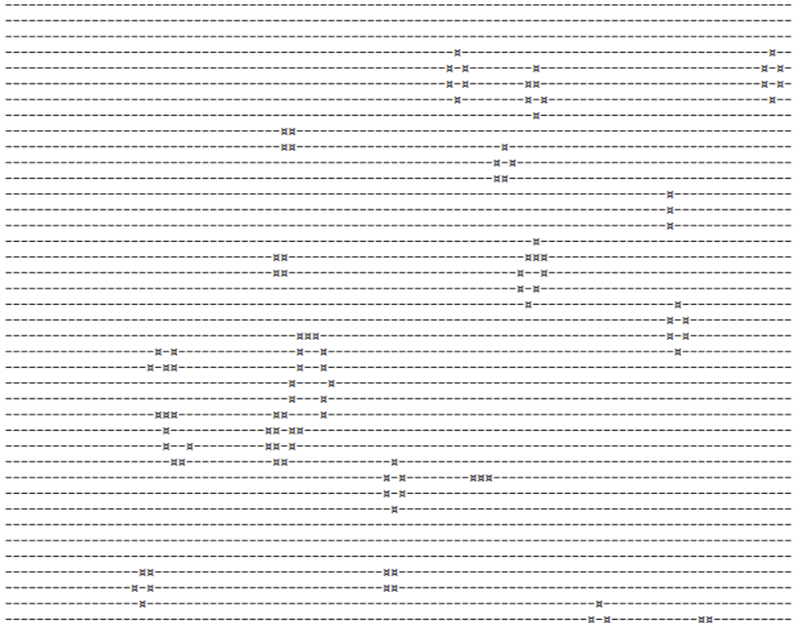
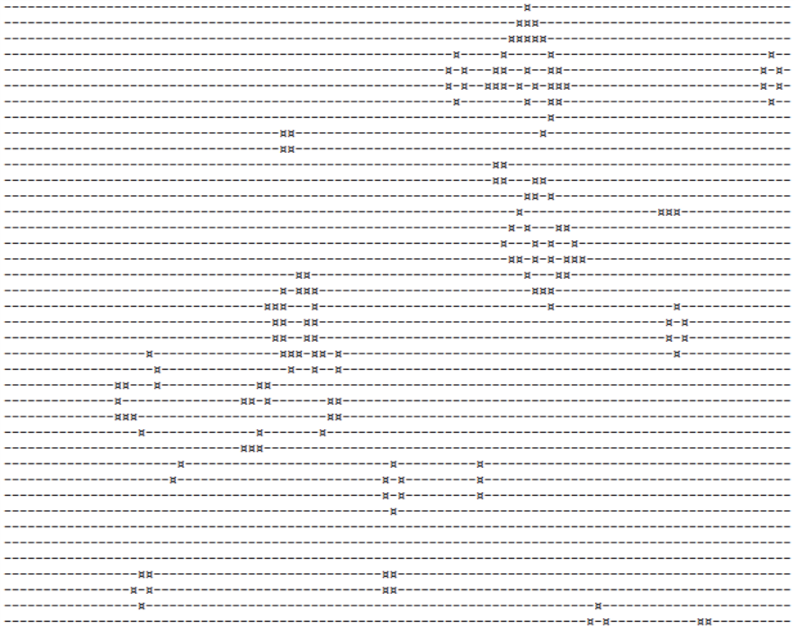
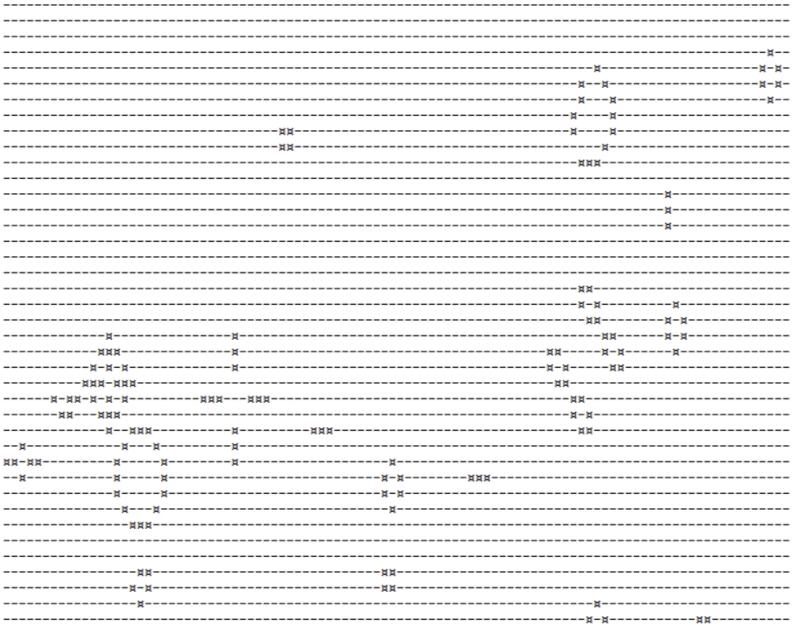
Y así, puedes jugar con InitialConfig, cambiar su valor de 1 a 5, para cambiar el estado inicial del universo... 

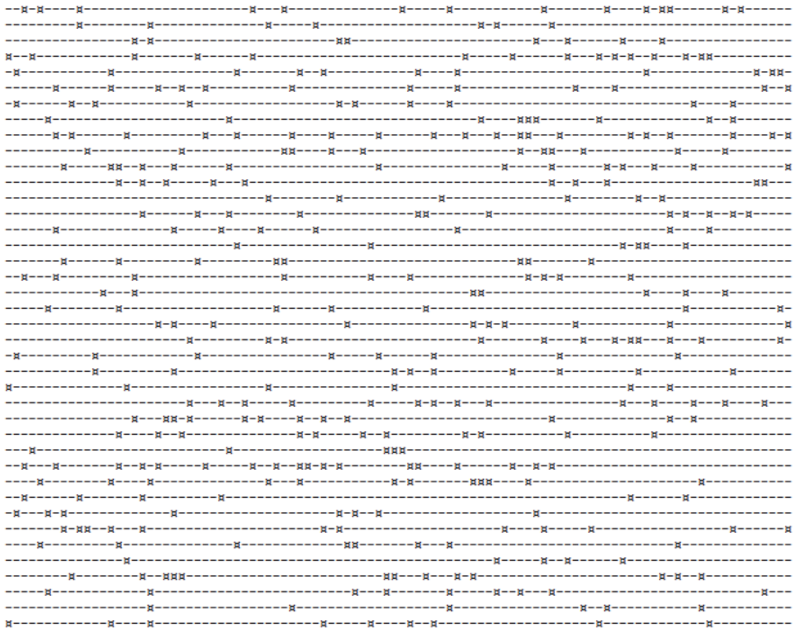
Random - no predefined patterns - 0      

Hay documentación adicional en GitHub.

¡Que lo disfrutes! 

讨论 (0)1
登录或注册以继续
文章
· 三月 26, 2019 阅读大约需 2 分钟

Synchronize data with DSTIME

Other Sync-Tools just work from Caché/IRIS to Caché/IRIS.
Synchronizing your data to some external DB requires some other solution.

The solution is available in Caché/IRIS since quite some time and works excellent.
^OBJ.DSTIME does the magic.
https://docs.intersystems.com/latest/csp/docbook/DocBook.UI.Page.cls?KEY=D2IMP_ch_current#D2IMP_C23869

It was built to allow data synchronization with DeepSee.
It keeps a very simple journal on Object/Table changes by signaling Modified,New,Deleted
This could be useful not only for DeepSee but for any other type of Table Synchronization.

The Global ^OBJ.DSTIME has 2 additional features

And as you do the synchronization by pure SQL your target can be any DB understanding SQL.

I extended class %SYSTEM.DSTIME to allow Pure SQL Operation

The demo class is a copy of Sample.Person amd it runs in namespace IRISAPP.

Typical scenario:

  IRISAPP>write ##class(OBJ.Person).Populate(15)  
  15  
  IRISAPP>do $system.SQL.Shell()  
  IRISAPP>>DELETE FROM OBJ.PERSON WHERE ID IN (2,5,9)  
  IRISAPP>>Update OBJ.PERSON SET NAME='Robert' WHERE ID IN (3,7)  

Now we can take a look on OBJ.DSTIME

  SAMPLES>>SELECT * FROM OBJ.DSTIME  

DSTIME ClassName ObjectId FilingOp LastVersion Version
0 OBJ.Person 1 1 0 0
0 OBJ.Person 2 2 0 0
0 OBJ.Person 3 0 0 0
0 OBJ.Person 4 1 0 0
0 OBJ.Person 5 2 0 0
0 OBJ.Person 6 1 0 0
0 OBJ.Person 7 0 0 0
0 OBJ.Person 8 1 0 0
0 OBJ.Person 9 2 0 0
0 OBJ.Person 10 1 0 0
0 OBJ.Person 11 1 0 0
0 OBJ.Person 12 1 0 0
0 OBJ.Person 13 1 0 0
0 OBJ.Person 14 1 0 0
0 OBJ.Person 15 1 0 0

next we set a new version

  SELECT OBJ.DSTIME_NewVersion()  

and generate some more Persons

  SAMPLES>write ##class(OBJ.Person).Populate(15) 

These new records have a new version.
So you may export easily all changes from the previous version of OBJ.DSTIME
during normal operation while any additional changes are logged with the new version.

e.g.

  INSERT INTO MySQL.Person (name,DOB,SSN)   
    select Name,DOB,SSN  from OBJ.Person p  
          JOIN OBJ.DSTIME d  
          on p.ID = d.ObjectId  
          where d.ClassName='OBJ.Person'  
          and Version = 0   

Attention
This solution uses the actual content of your Objects / Tables. So if the version of the object log is out of date you may see some newer content if additional changes were applied since.

讨论 (0)3
登录或注册以继续